Feature of the Month INFI Connect — run your restaurant from your phone Explore
INFI CONNECT

Keep the register.
Add everything else.

Keep the POS your team knows — CONNECT links to it and syncs in under 10 seconds.

INFI Connect · iOS & Android

Run your whole restaurant
from your phone.

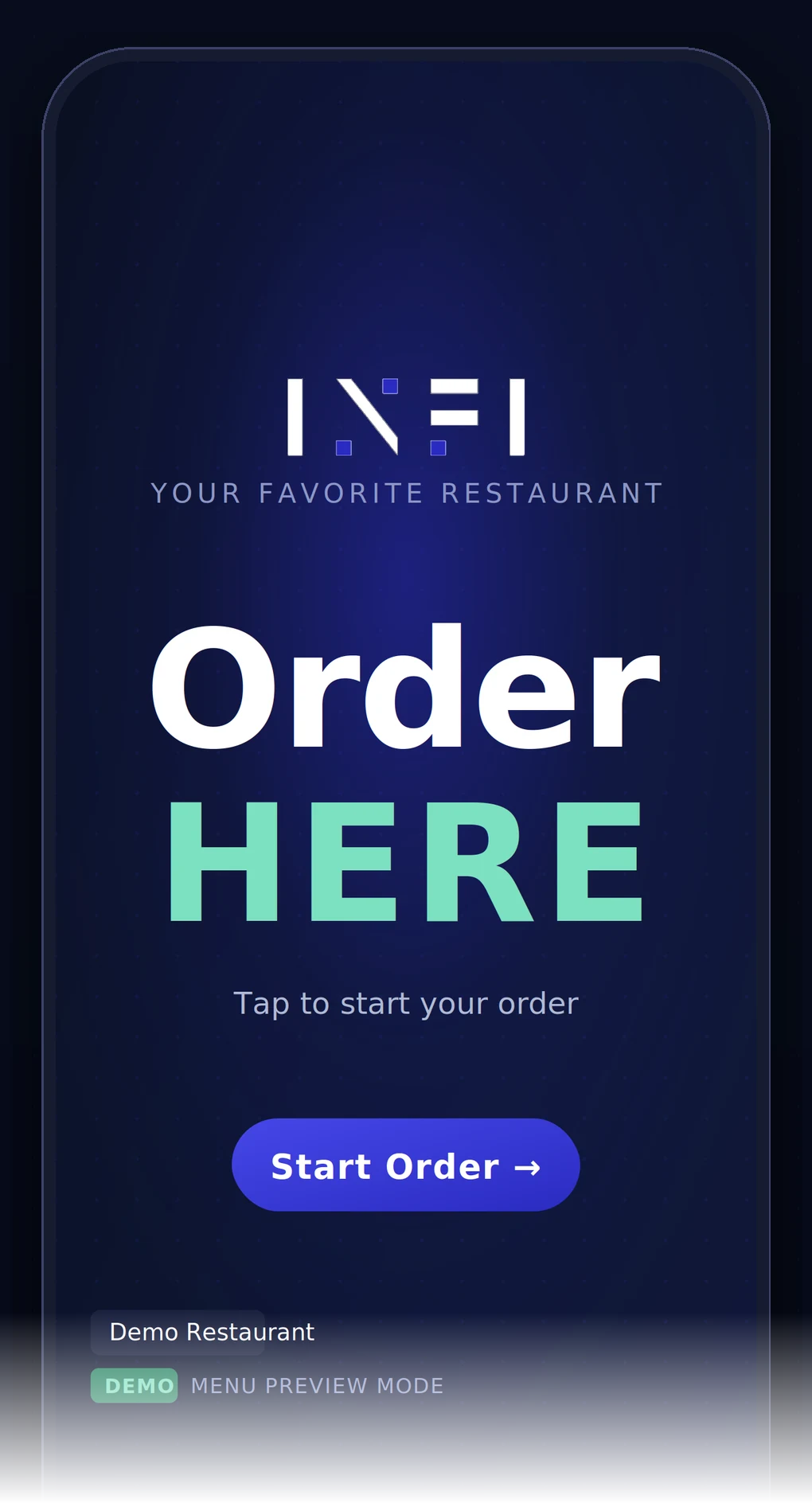
Your restaurant in your pocket — sales, 86s, transactions, refunds and POS setup.

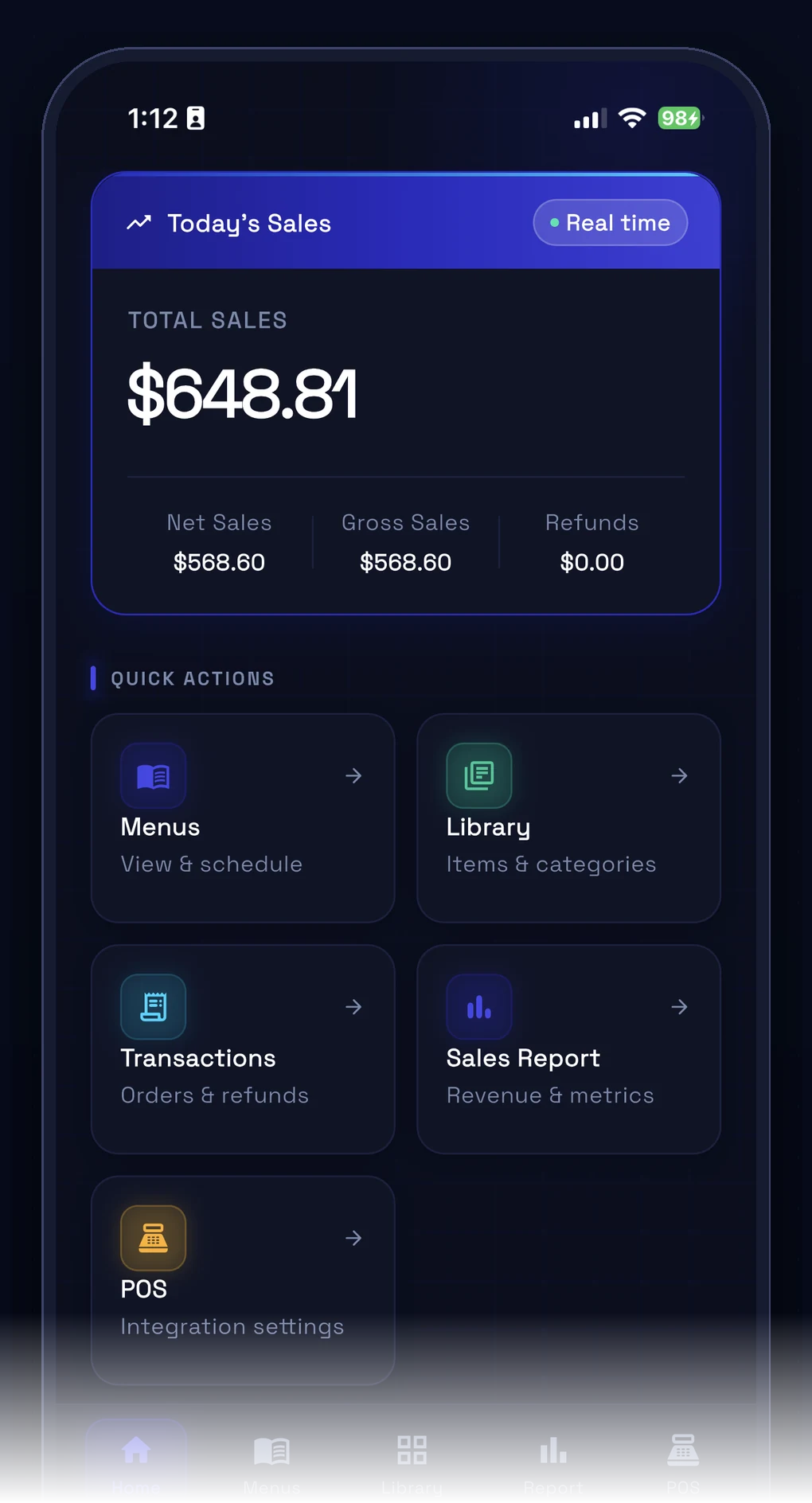
INFI Connect — Today's sales, live Today's sales, liveTotal, net, gross & refunds the moment you open the app.
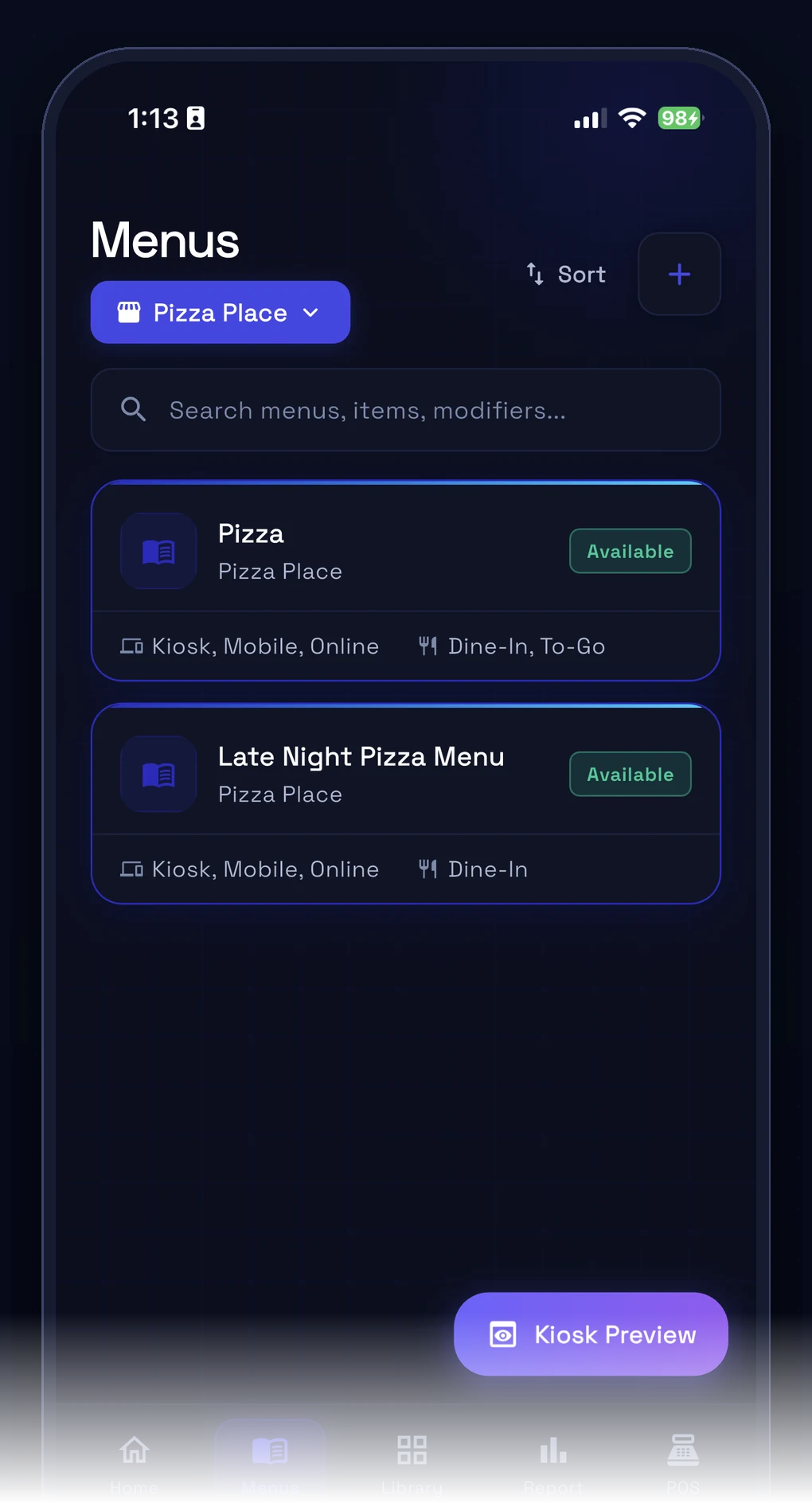
INFI Connect — 86 an item in seconds 86 an item in secondsMark items Available, Sold Out or Hidden — without leaving the floor.
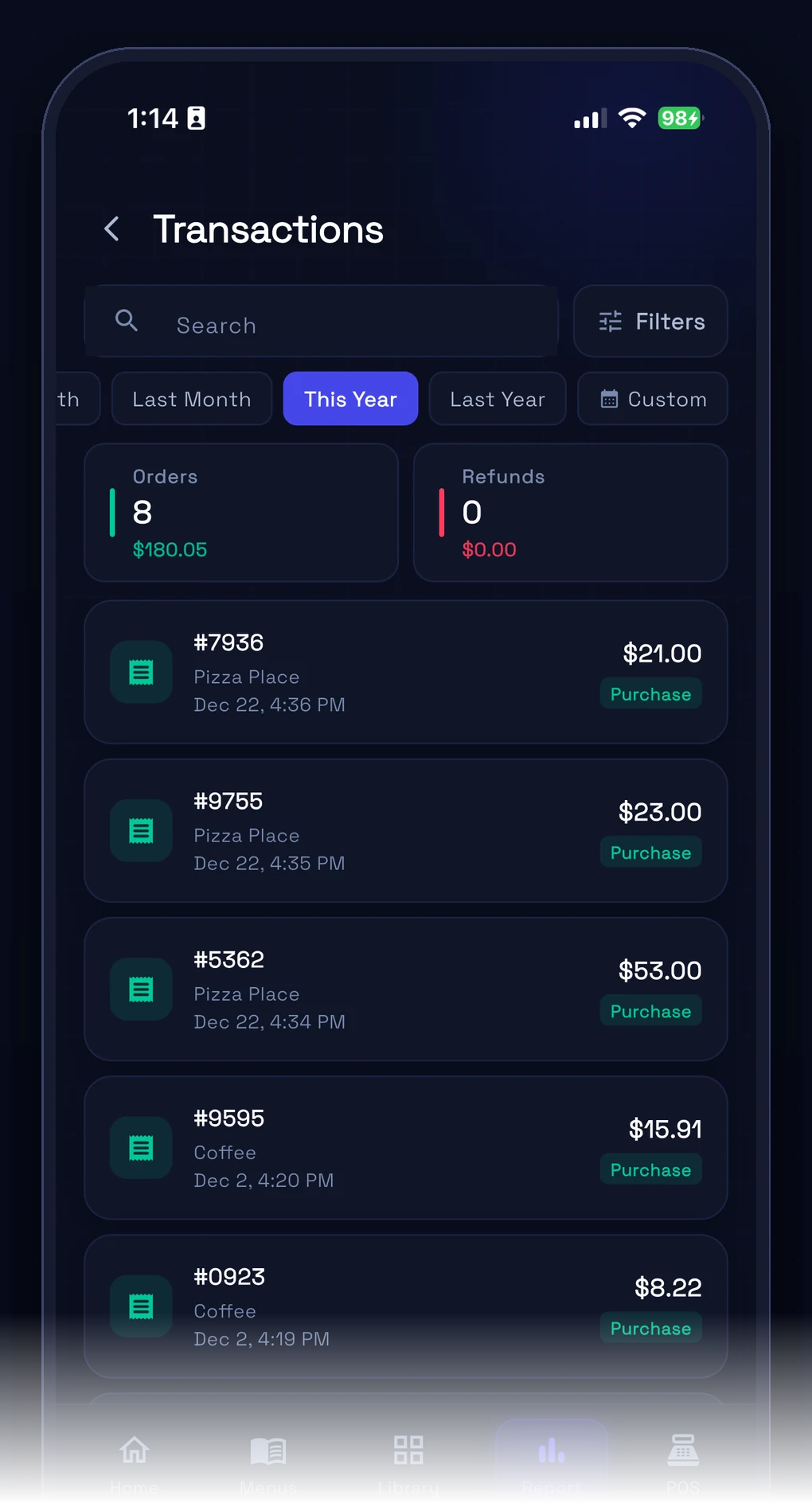
INFI Connect — Every order, every detail Every order, every detailFilter transactions by date, location, payment & source.
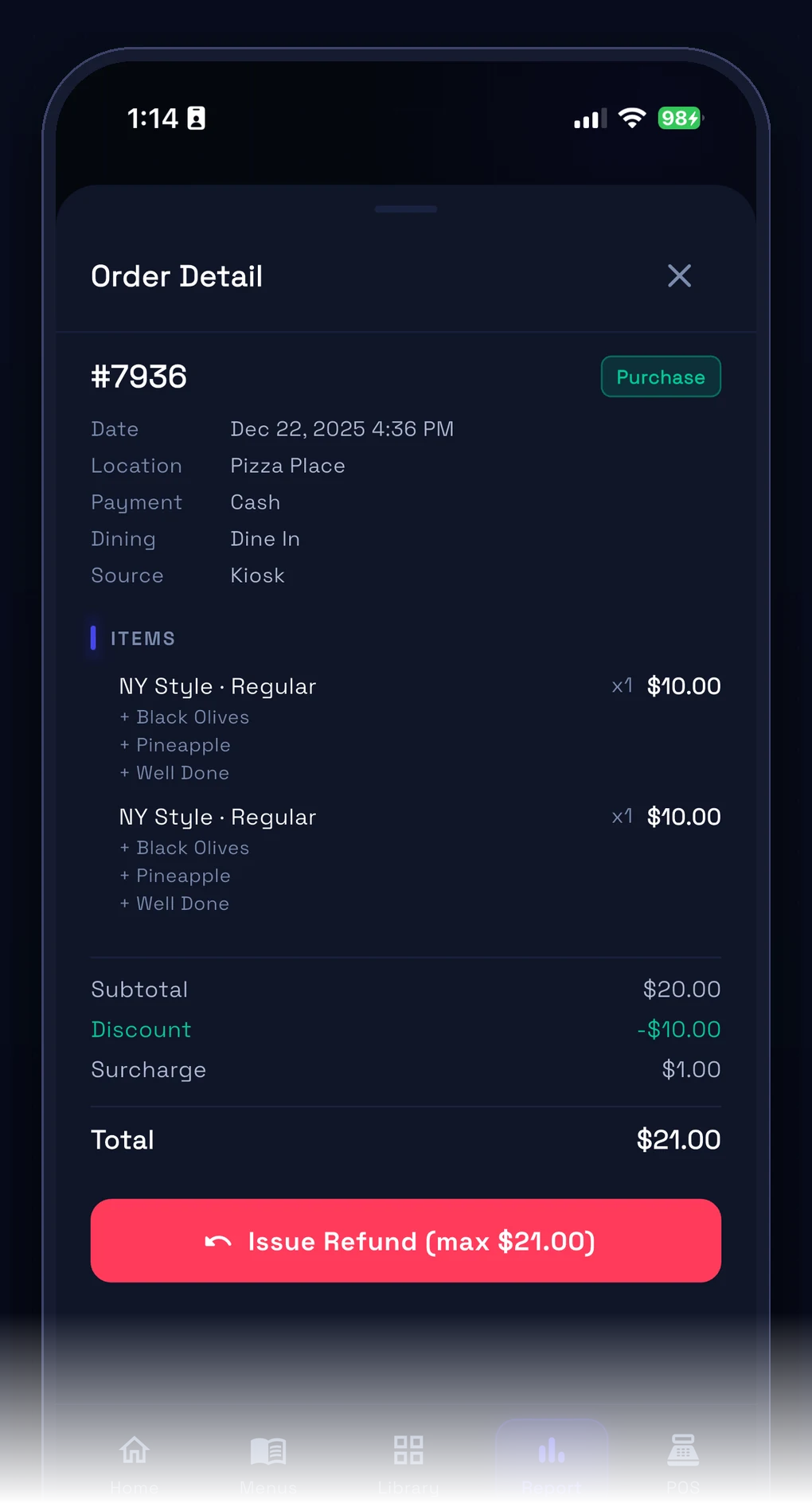
INFI Connect — Refund from your phone Refund from your phoneSee the full line-item breakdown and refund in a couple taps.
INFI Connect — Preview the guest view Preview the guest viewSee exactly what diners see on the kiosk before you publish.
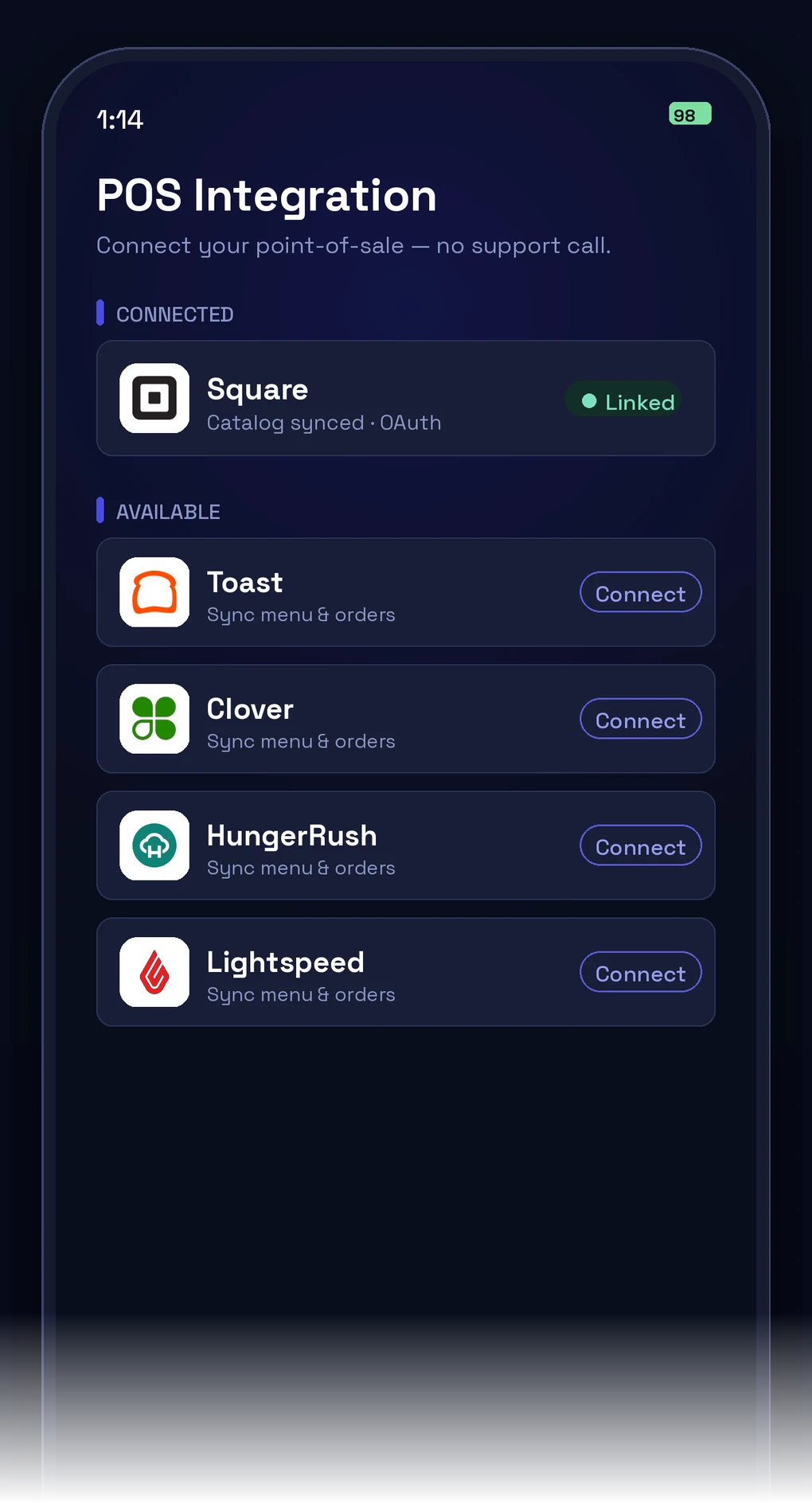
INFI Connect — Connect your POS Connect your POSSquare, Toast, Clover, HungerRush, Lightspeed — no support call.
10-second sync

Change a price on your POS. Live everywhere in 10 seconds.

Items, prices, modifiers, 86s — live on kiosk, mobile and web before the next ticket.

  • Bidirectional sync — POS ↔ INFI
  • Real-time 86ing, every channel at once
  • One menu of record — no double entry
Sync log · live
New item: Spicy Chicken Sando · 2ms
Price change: Fries $3.99 → $4.29 · 3ms
86: Lobster Roll — sold out · 1ms
New modifier: Extra shot +$0.75 · 1ms
Combo updated: Lunch Box · 2ms
One source of truth

Everything stays in lockstep — automatically.

Your POS stays the system of record; register, kiosk, online and kitchen all read from it — with a real integration mapped per POS. Spin the sphere and tap any item.

Drag to spin · tap a capability

What syncsPer-POS integration depth
01 / 17 What syncs

Menu, modifiers & combos

Your full menu tree — items, modifiers and combos — flows in and stays mirrored everywhere.

Proof

Switch nothing. Gain everything.

<10s
Menu sync — a POS edit goes live on every channel in seconds
0
Double entry — never re-type a menu again
4+
POS systems — Square, Toast, Clover, Lightspeed & more
1 day
To go live — connect your account, turn channels on
Works with your POS

Already integrated with the registers you know.

One platform. Every product connected.

INFI CONNECT connects to everything.

One menu, one customer profile, one POS connection — update once, everywhere.

4.9 ★★★★★Highest-rated ordering partner
on the Square App Marketplace
Thousands of restaurants98% rate INFI five stars
★★★★★ “Customers love how easily they can place orders — it’s reduced wait times and improved order accuracy.” — Chu Minh Tofu & Vegan

Keep your POS. Add everything else.

See CONNECT sync your live menu to your register in 15 minutes.

FAQ

Frequently asked questions

Do I need a new restaurant POS to add a kiosk or online ordering?
No. INFI is not a restaurant POS — it's a growth layer that works with the restaurant POS you already run (Square, Toast, Clover, Lightspeed, HungerRush). Keep your register and add a self-ordering kiosk, commission-free online ordering, loyalty and digital menu boards on top, all synced to your existing POS.
What is a kiosk POS system, and does INFI replace my point of sale?
A “kiosk POS system” usually means a self-ordering kiosk wired into your POS. INFI gives you exactly that — a kiosk that reads your existing POS catalog and fires orders back to it — without replacing your point of sale. One live menu runs across the kiosk, online ordering and your register.
Does INFI CONNECT work with my POS? Which systems does it support?
INFI CONNECT links to the register you already run — Square, Toast, Clover, Lightspeed and HungerRush — and because INFI doesn't sell a POS of its own, it layers on top instead of replacing yours. Each connector is mapped per POS rather than one generic bridge: Square is the deepest integration (menu, orders, payments and customers map natively), Toast mirrors its discount and BOGO logic, Clover runs two-way menu and order sync, HungerRush handles quirks like half-and-half pizza pricing, and Lightspeed passes live stock counts through. See how the growth layer works on each POS.
Do I have to replace or switch my POS to use INFI?
No. CONNECT is a layer that sits on top of your existing register, so your POS stays the system of record for menus, prices, payments and settlement while INFI adds the kiosk, online, app and kitchen channels around it. Your team never learns a second register and the kitchen doesn't watch a second screen. If a vendor tells you the only way to add ordering or a kiosk is to swap registers, that's a sales tactic, not a technical requirement — here's why you don't need a new POS to add a kiosk.
What syncs between my POS and INFI, and how fast?
Your full menu tree — items, modifiers, combos, prices, taxes, photos and categories — flows in from the POS and stays mirrored on kiosk, web and app, and any change you make on the register is live everywhere in under 10 seconds. Sync is bidirectional: 86 an item at the POS and it disappears from every channel within seconds, while orders flow back to the POS and kitchen as clean tickets with no re-keying. Because there's a single menu of record, you never type a menu twice.
How long does it take to get set up and go live?
Most restaurants go live in about a day: you connect your POS account and switch on the channels you want, with no support call needed to link the register. In a demo you can watch a live menu edit on your POS sync across INFI in roughly 15 minutes, so there's no long onboarding or menu rebuild before you see it working.
My menu is complicated — will things like Toast BOGO or half-and-half pizza work online?
Yes — CONNECT maps each POS's quirks instead of flattening them: it mirrors Toast's discount and BOGO logic exactly, handles HungerRush specifics like half-and-half pizza pricing that generic connectors break on, and runs true two-way menu and order sync on Clover so the register and your online channels stay aligned. INFI also monitors every connector and payment path and flags sync or processing issues early. See how INFI fills the gaps in Clover's native ordering tools.