Feature of the Month INFI Connect — run your restaurant from your phone Explore
INFI KITCHEN

Every ticket.
Every station.
Every channel.

Routes every order — kiosk, mobile, online — to the right station, in the right order.

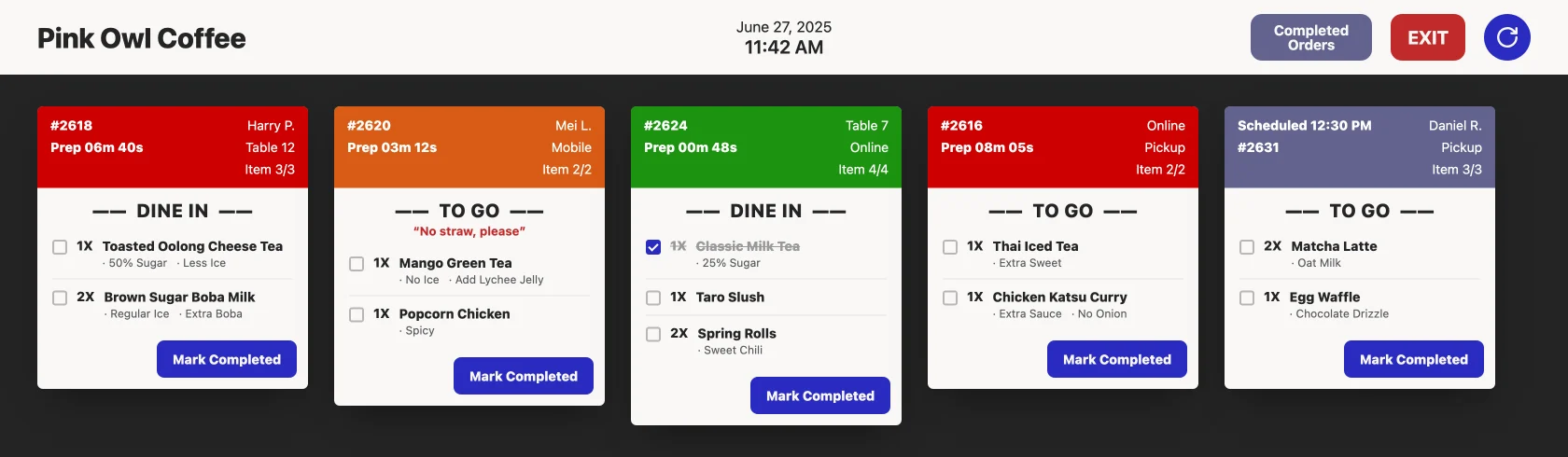
The INFI KITCHEN display — live orders from kiosk, online and mobile on one screen, color-coded by prep time
The live INFI KITCHEN display — kiosk, online & mobile orders on one screen, color-coded by prep time.
Every channel, one queue

Kiosk, phone, online — all on the same line.

Wherever the guest ordered, the ticket hits the kitchen in one clean, prioritized view.

  • Kiosk, mobile, and online orders in one queue
  • Station routing — expo, grill, fry, bar
  • Bump-to-complete, live time tracking
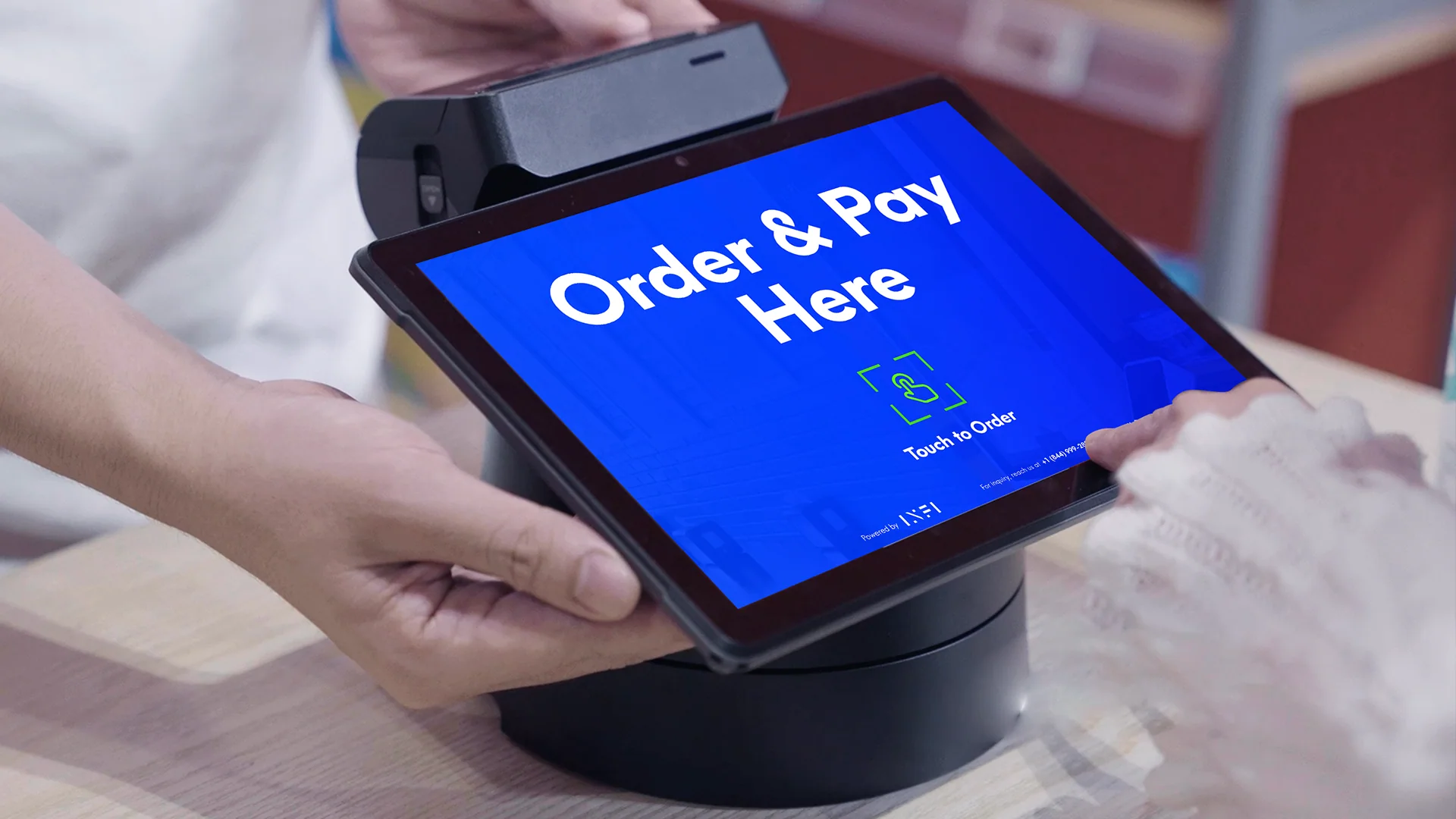
Orders flowing to the kitchen line
Faster, calmer service

Tickets prioritized so nothing falls behind.

Color-coded timers and auto recall keep the oldest order up front.

  • Color-coded caution timers
  • Auto order-ready text on bump
  • Adjustable prep / quote times
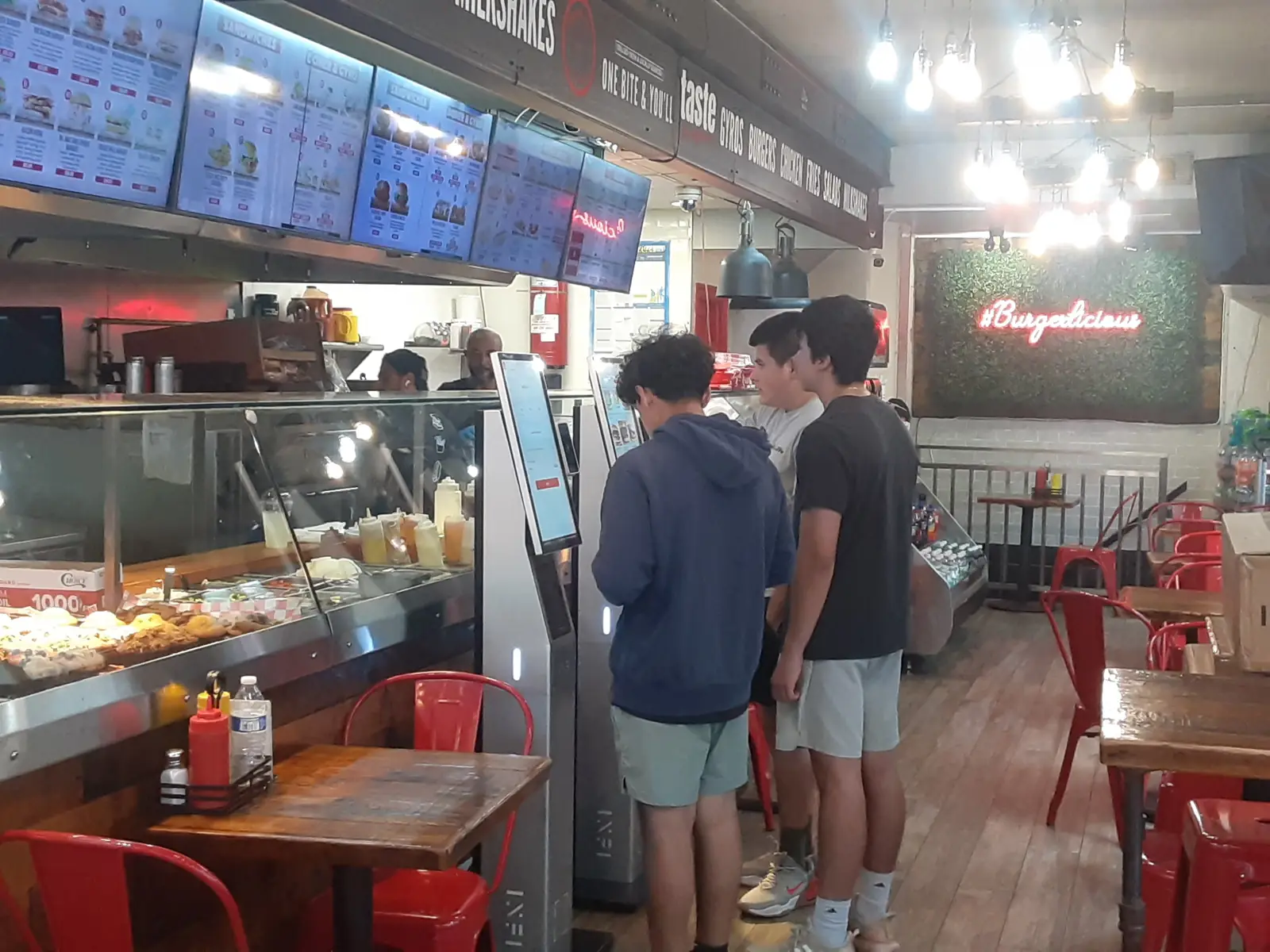
Busy counter during a rush
Built for the line

Route every item to the station that makes it.

Set routing rules once — INFI KITCHEN splits, routes, and reassembles every ticket at expo.

01
Expo screen

One source of truth for the pass — every ticket, every channel, sequenced by age.

02
Grill & hot line

Hot items routed to the cook with modifiers and fire timing up front.

03
Fry & sides

Sides batch to the fry station to finish in time with the mains.

04
Bar & beverage

Drinks and boba fire to the bar in parallel — never the pickup bottleneck.

05
Pickup & handoff

Ready tickets surface for runners and guests with name, number, and live status.

06
Scheduled & pre-orders

Pre-orders ride their own track with dine-in / to-go tags, then drop in on time.

Runs on the INFI Order app

The whole counter, on one Android terminal.

KDS, smart printing, cash and notifications on any Android terminal — no proprietary hardware. Spin the sphere and tap a capability to see it.

Drag to spin · tap a capability

01 / 15 On one Android terminal

KDS bump & recall

Bump tickets as they’re done and recall the last one instantly when a guest returns.

Proof

A kitchen that keeps up with the rush.

1
Queue — kiosk, mobile & online tickets in one place
0
Missed tickets — nothing buried or shouted across the line
3
Printer families — Epson, Star & Zebra; no hardware lock-in
Live
Ready-times — accurate ETAs pushed to every guest
One platform. Every product connected.

INFI KITCHEN connects to everything.

One menu, one customer profile, one POS connection — update once, everywhere.

A kitchen that keeps up.

See INFI KITCHEN route orders from your kiosk, phone, and online — all in one display.

FAQ

Frequently asked questions

I already have a POS — do I really need a kitchen display system too?
Yes, because they do opposite jobs. Your POS is the front-of-house tool that takes the order and the payment, while a KDS is the back-of-house screen that replaces paper tickets, routes each item to the station that makes it, and tracks how long every ticket has been up. INFI KITCHEN gives you that back-of-house layer and connects it to every ordering channel, so kiosk, mobile, and online orders all land on the line in one clean, prioritized queue. See how a POS and a KDS work together.
Does INFI KITCHEN need special kitchen hardware, and which printers does it work with?
No proprietary hardware is required — INFI KITCHEN runs inside the INFI Order app on any standard Android terminal, so the same device handles the display, smart printing, cash drawer, and change. It works with all three major printer families — Epson, Star, and Zebra — with no hardware lock-in, and can print a single ticket per item or one merged ticket per order, whichever your line prefers. It also auto-sizes labels and DPI for Zebra and can print kitchen tickets bilingually in Chinese alongside English.
How does INFI KITCHEN reduce order mistakes and remakes?
Most kitchen errors aren't the cook's fault — they come from handoffs, like re-keying an order into a second screen or shouting it down a loud line. Because INFI KITCHEN receives the order as structured data the instant the guest pays, every modifier and special instruction survives the trip with zero transcription errors, and complex modifiers surface as short, bolded directives like "NO ONIONS" or "ALLERGY: NUTS." Removing that manual step eliminates a leading cause of voids and comps, and the accuracy holds up even at the peak rush, when mistakes are most expensive. Why accuracy jumps when the kiosk and KDS are synced.
Can INFI KITCHEN automatically send items to the right station — grill, fryer, bar?
Yes. You set routing rules once and INFI KITCHEN splits each order by menu category, so a boba tea fires to the bar while a bulgogi taco fires to the grill at the same moment, then everything reassembles at the expo screen. Because the stations work in parallel instead of down one line — and orders fire in under a second on your local network — food reaches the window faster; one Cuban fast-casual client saw kiosk sales rise 25.2% in their first week after syncing. How station routing speeds up the line.
Can guests be automatically notified when their order is ready?
Yes — when a cook bumps a ticket complete on the display, INFI KITCHEN can send the guest an automated order-ready text or push notification, so your team stays focused on the line instead of shouting order numbers across the lobby. The same two-way sync lets staff 86 an item straight from the kitchen screen and have it disappear from every kiosk within seconds, so a guest won't pay for something you've just run out of.