

The growth engine for Square.
Update your menu once in Square — INFI pushes it to the kiosk, your site, the app and the boards. The 4.9★ top-rated ordering partner on Square.
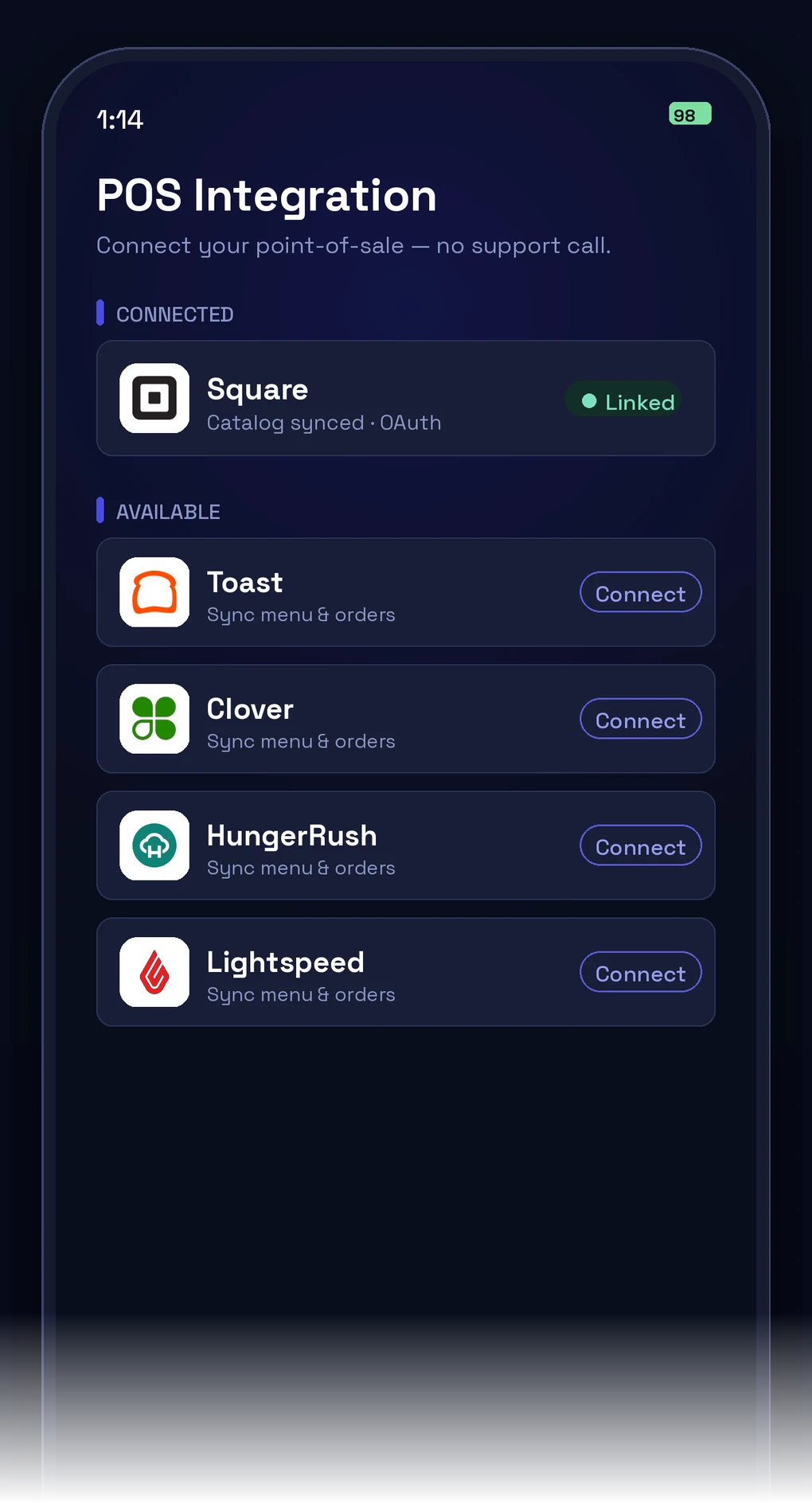
- Syncs to your Square menu & catalog
- Orders fire to Square & the kitchen
- Runs on your own Square payments
The growth flywheel Square can’t spin alone.
Square records the sale. INFI creates the next one.
Found by More People
A live-menu website, a current Google profile, reviews answered — the next order starts before anyone walks in.
More Ordering Channels
Kiosk, website, QR and your own app — commission-free, all writing the same Square ticket.
Bigger Checks
Every channel suggests the add-on a busy cashier skips. Ticket climbs, labour doesn’t.
Guests Who Come Back
One loyalty balance follows the guest from the Square counter to the app.
One change, everywhere.
Change it once in Square. INFI pushes it to every channel.
What happens when operators add INFI.
Square restaurants using INFI are growing revenue, increasing order volume, and getting found by more customers.
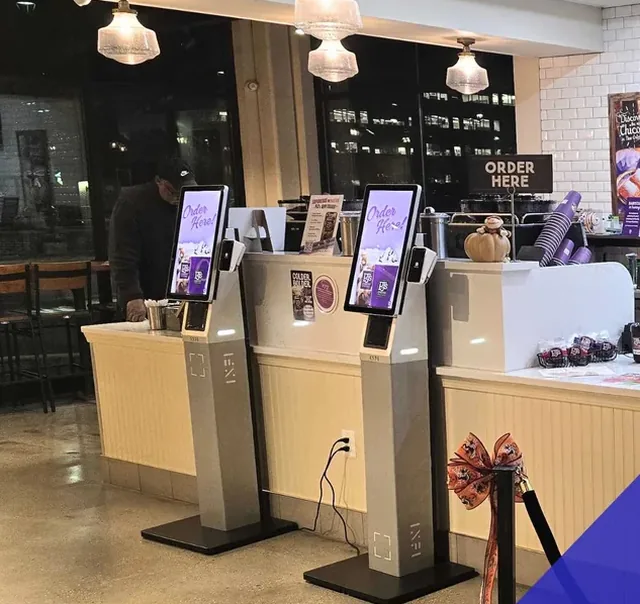

PJ's Coffee


Sugarland Bakery
Rated by 40 restaurant operators on the Square App Marketplace.
The highest-rated ordering partner for Square.
Live on Square in three steps.
What moves between Square and INFI.
No re-keying, no second menu to maintain. Square stays the source of truth; INFI reads from it and writes orders back.
- Items, categories and prices
- Modifiers and option groups
- Availability and sold-out state
- Your payment account and payouts
- Kiosk, web, QR and app ordering
- AI upsell and combo suggestions
- Loyalty across every channel
- Kitchen display and menu boards
You keep Square. Nothing gets ripped out.
The full ordering stack INFI adds to Square
Square runs your operations. INFI adds the growth layer — kiosk, online ordering, loyalty and more, all synced to Square.
Every INFI product, built for Square
Square is excellent at recording the sale — payments, catalog, payouts, all of it. What a register was never built to do is grow the sale: upsell at the moment someone is ordering, open channels that don't cost 15–30% a ticket, give a first-time guest a reason to come back, or get you found by someone who has never heard of you. INFI is the layer that does those jobs, reading and writing to Square so your menu, items and payouts stay in one place. 4.9★ — the highest-rated ordering partner on the Square App Marketplace.
See INFI grow your business on Square in 15 minutes.
No contracts. No rip-and-replace. Just more orders, bigger checks, and guests who come back — all powered by your existing Square setup.