Digital Menu Boards That Auto-Sync With Your POS & Kiosk
Digital menu board POS sync keeps every screen, kiosk, and online menu updated automatically from one source. How it works and what to evaluate.
A price change should take you thirty seconds, not thirty minutes of walking the floor with a stepladder. Yet in most restaurants the menu lives in four or five places at once — the POS, the kiosk, the printed board, the online ordering page, the wall-mounted screens — and each one has to be edited by hand. The moment they drift apart, a guest sees $8.95 on the board and gets charged $9.50 at the register.
Digital menu board POS sync solves exactly this. Instead of updating screens one at a time, you change the item once in your source of truth and every board reflects it in seconds. This guide explains what "sync" really means, what to look for when you evaluate a system, and where a synced display stack pays for itself.
What "POS sync" actually means for a menu board
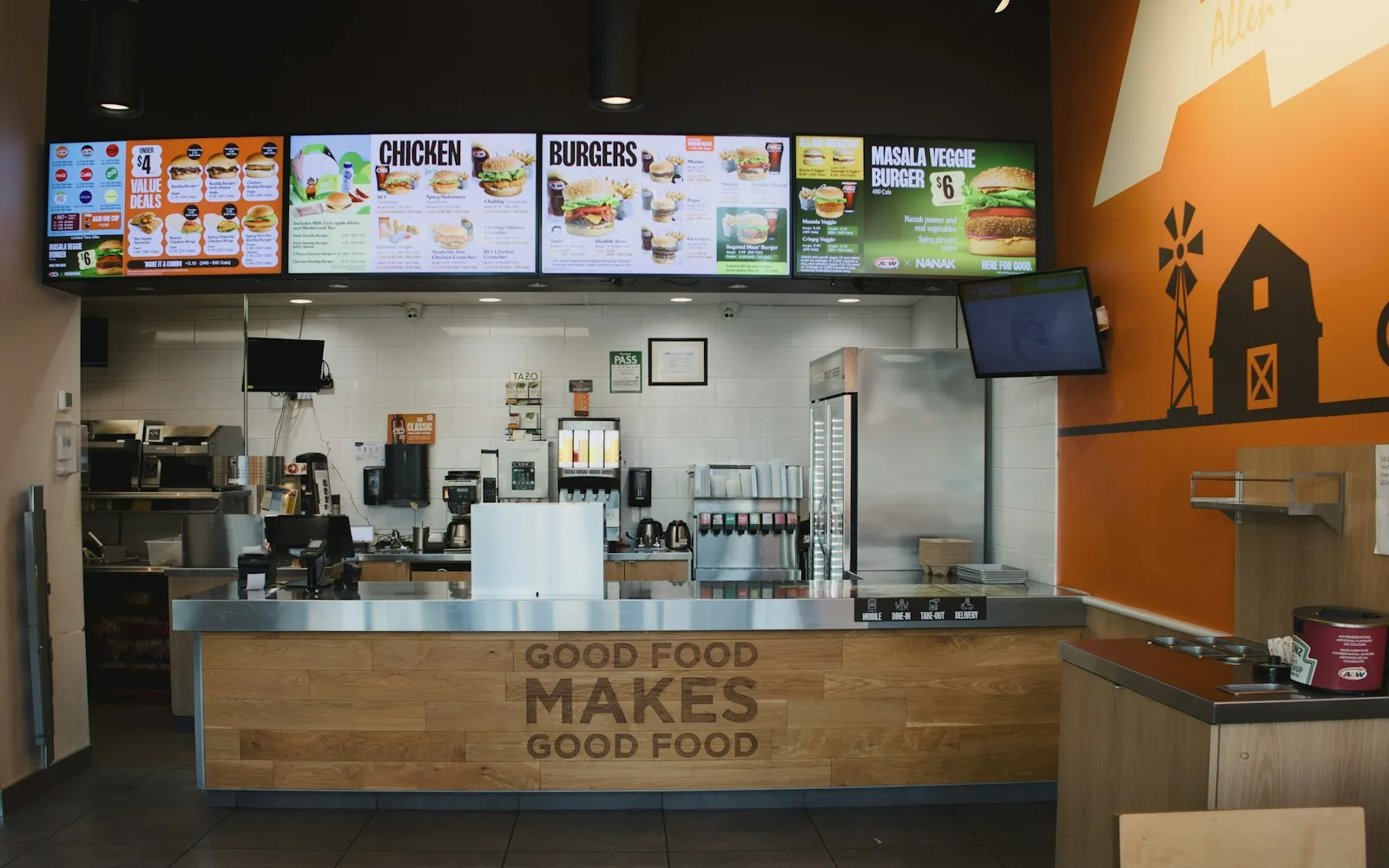
A screen that plays a slideshow of pretty food photos is a digital sign. A screen that reads live data from your ordering system is a synced menu board. The difference is the connection back to your menu source.
Real sync means the board doesn't hold its own copy of the menu. It listens to the same catalog your register and kiosk use, so a price, a description, or an availability flag changes everywhere the instant you save it — no re-uploading images, no re-typing prices per screen.
What genuine auto-sync should cover
Not all "integrations" are equal. Some only pull item names on a nightly schedule; the good ones push changes in near real time and cover the details that actually cause register disputes. When you evaluate a system, make sure sync includes:
- Prices — a change in the POS updates the board before the next order, not overnight.
- 86'd items — when the kitchen marks something sold out, it disappears or greys out on every screen automatically.
- Dayparts — breakfast rolls to lunch on a schedule, so no one is manually swapping boards at 11 a.m.
- Modifiers and combos — add-ons, sizes, and bundle pricing match what the register will actually ring up.
- New items and seasonal LTOs — add once, appears on the board, the kiosk, and the online menu together.
- Multi-location catalogs — each store shows its own pricing and availability from one dashboard.
If a vendor can't handle 86'ing, dayparts, and modifier accuracy cleanly, you'll still be doing manual work — just less of it. And watch the reach of the sync: a board that talks to the POS but not your kiosk and online ordering only moves the manual work somewhere else. The goal is one menu behind every place a guest can order.
Why manual updates break down
Manual menu management fails quietly. A closing manager updates the POS but forgets the wall board. A seasonal item ends and lingers on one screen for a week. During a rush, the kitchen runs out of an item and there's no time to touch five displays, so guests keep ordering it and getting turned down at the counter.
Every one of those gaps costs you — in refunds, in re-fires, in the small erosion of trust when the board and the receipt disagree. The labor to prevent it is real too: someone owns "menu updates," and that someone is usually your most experienced, most expensive person.
The fix: one source of truth
The architecture that makes sync reliable is simple. There is one menu — one catalog of items, prices, and availability — and every surface is a view of it. The register, the self-ordering kiosk, the menu board, the online ordering page, and the mobile app all render from the same data.
When the menu is the source and screens are views, sync isn't a feature you toggle — it's just how the system works. You stop maintaining "the board" as a separate artifact and start maintaining the menu, once.
Where INFI DISPLAY fits
INFI is The Restaurant Growth Platform — your POS runs the register, INFI runs your growth. INFI layers on top of the POS you already use (Square, Toast, Clover, Lightspeed, HungerRush); it doesn't replace it. That matters here because your menu already lives in that POS, and INFI reads from the same catalog rather than asking you to maintain a second one.
INFI DISPLAY — the digital menu boards and customer displays — shares that catalog with INFI kiosks, online ordering, and the branded app. Update an item once and it flows to the boards, the kiosk screens, and the online menu together. When the kitchen 86s an item, it drops off every surface at once. That's the differentiator: not just a screen that talks to your POS, but an ordering stack that stays in sync from one place.
The payoff shows up on the ordering side too. Kiosks typically lift average order value by roughly 15–30%, and on INFI that has looked like +45% average order value at PJ's Coffee, +15% per order at Juice Press, and doubled basket size at Oak View Group venues. Accurate, synced menus are what make those upsells land — a guest can only add the combo the board is actually showing.
The bottom line
If you're maintaining menus in more than one place, you're paying for it in labor and in checkout disputes. The fix isn't a fancier screen — it's a single source of truth that every board, kiosk, and online menu reads from. Evaluate on 86-sync, price push, dayparts, and whether the same catalog powers your ordering surfaces, not just the wall.
INFI runs digital menu boards, kiosks, and online ordering off one synced menu on top of the POS you already have — part of a platform trusted by 1,800+ restaurants and backed by a $12M Series A, built by a team led by founder Lucas Liu, Ph.D., a former restaurant operator. See how the sync works across your screens: Book a Demo.
See what INFI can do for your restaurant
Add self-ordering, online ordering, loyalty, and marketing on top of the POS you already run.
Book a Demo