QR-Code Ordering for Restaurants: When It Beats a Kiosk
QR code ordering for restaurants can beat a kiosk on cost, tables, and patios. Here's when to use each — and how to run both cleanly.
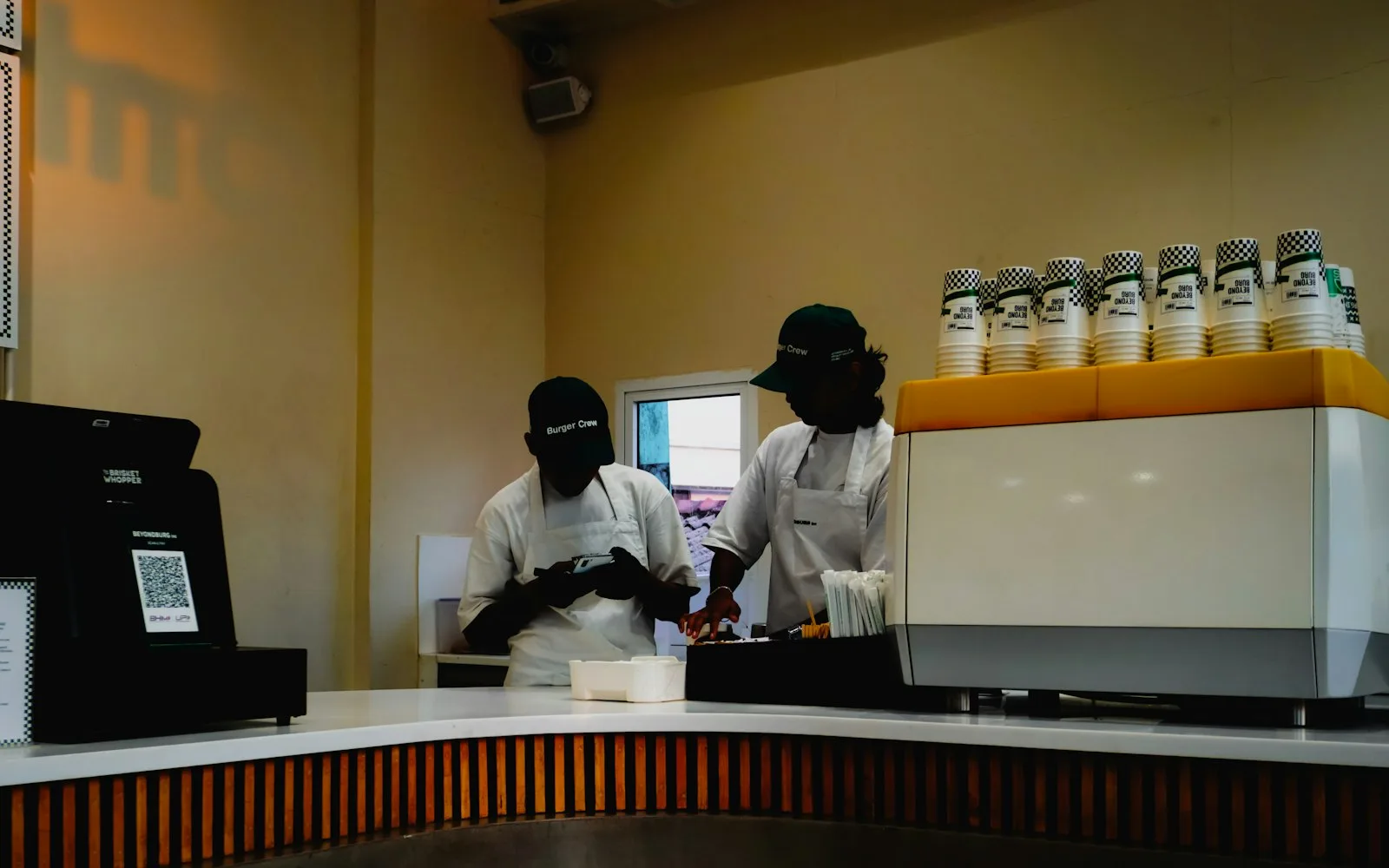
QR-code ordering went from pandemic stopgap to permanent fixture, and now it's one of the first things operators weigh against a self-ordering kiosk. Both let a guest order without waiting on a staff member. But they solve different problems, cost wildly different amounts, and fit different rooms.
This guide covers how QR-code ordering actually works, where it beats a kiosk, where a kiosk still wins, and how to decide without overspending on hardware you don't need.
What QR-code ordering actually is
QR-code ordering puts a scannable code on the table, the receipt, a window, or a tent card. The guest scans it with their phone camera, a web menu opens, and they order and usually pay — no app download, no line, and no hardware on your side beyond a printed sticker.
Because the "device" is the guest's own phone, you're not buying, mounting, powering, or sanitizing anything. That single fact drives most of the differences below.
How it works, end to end
- Scan. The guest points their camera at the code — no app, just a browser link.
- Browse. A mobile menu opens with photos, modifiers, and prices, tied to that table or location.
- Order and pay. They build the order, add a tip, and pay from the phone, or send it to a tab.
- Fire to the kitchen. The order lands on your KDS or printer exactly like any other channel, tagged to the table so runners know where it goes.
Where QR ordering beats a kiosk
QR wins whenever the ordering point is spread out, temporary, or seat-based — anywhere it's impractical to bolt down a screen.
- Table service and full-service dining. Guests order a second round or dessert without flagging anyone down, so you turn tables faster without adding staff.
- Patios, rooftops, and seasonal seating. A code on every table costs pennies; a weatherproof kiosk for the patio does not.
- High seat counts. Fifty tables can each be an "ordering station" for the price of fifty stickers.
- Events, food trucks, and pop-ups. No power drop, no mounting, no teardown — print, tape, go.
- Stadiums and large venues. In-seat ordering keeps fans from missing the game standing in a concession line.
- Tight footprints. If you don't have a square foot to spare at the counter, the phone is your kiosk.
QR ordering also removes line pressure. A guest browsing on their own phone reads more of the menu and adds modifiers they'd skip when a cashier and a queue are waiting — the same behavior that makes self-service upsell so effective.
Where a kiosk still wins
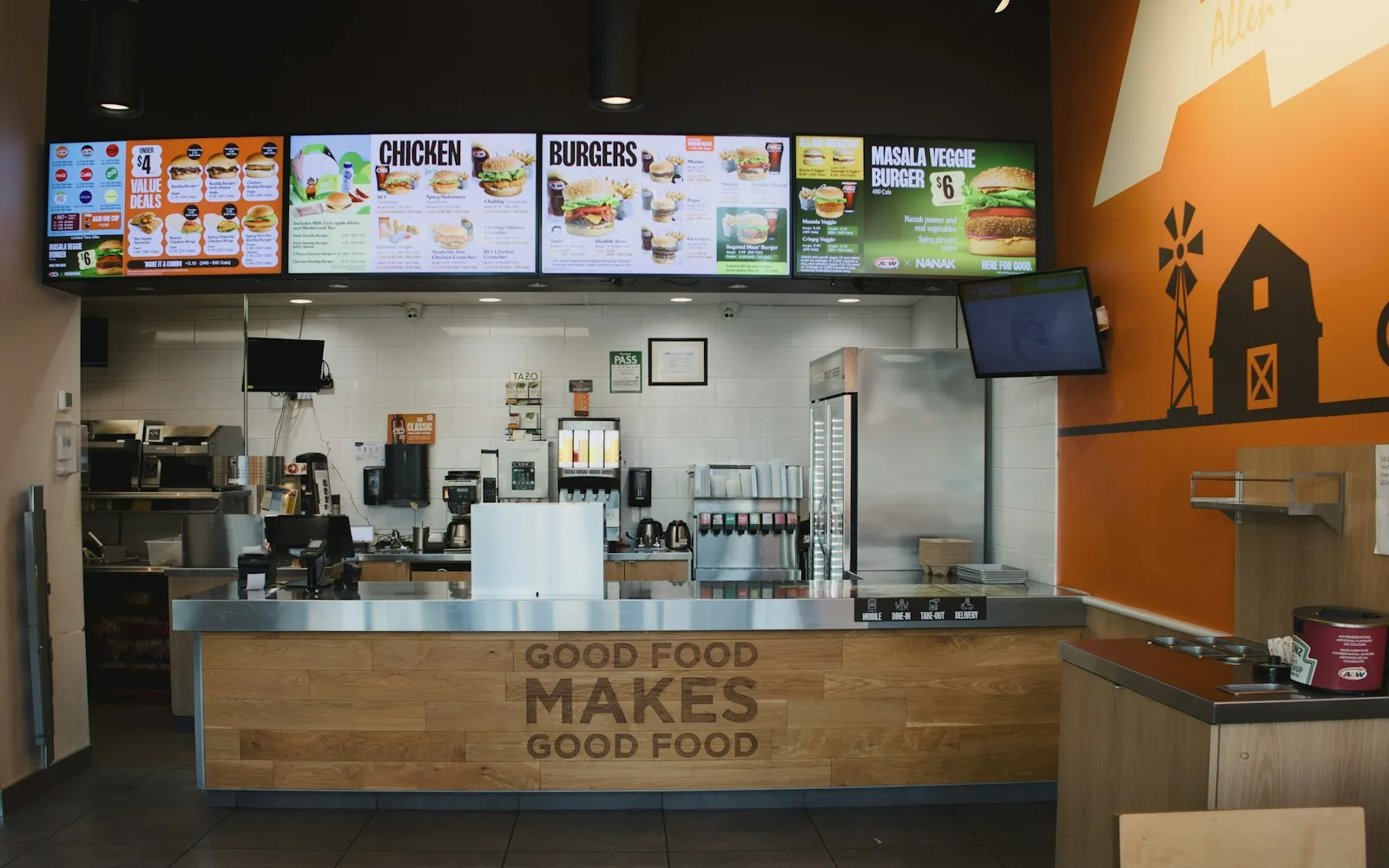
A self-ordering kiosk earns its keep at a fixed, high-traffic counter — quick-service, fast-casual, and grab-and-go, where guests walk up expecting to order in one spot.
A big, bright touchscreen is a better salesperson than a small phone. It shows combo prompts, add-ons, and "make it a large" at eye level, which is why kiosks typically lift average order value by roughly 15–30%. Kiosks also absorb a lunch rush without a labor spike, keep the line moving at a predictable pace, and never depend on a guest's battery, signal, or willingness to scan.
QR vs. kiosk at a glance
- Upfront cost: QR is very low — just printed codes. A kiosk means hardware, mounting, and install.
- Best for: QR fits tables, patios, events, and venues; a kiosk fits fixed walk-up counters.
- Guest device: QR runs on the guest's own phone; a kiosk is your screen.
- Upsell strength: QR is good and self-paced; a kiosk is stronger, with large-format prompts.
- Rush throughput: QR scales with seats; a kiosk scales with the number of screens.
- Maintenance: QR just needs a reprint if a code is damaged; a kiosk needs cleaning, updates, and repairs.
- Table-service fit: Excellent for QR, poor for a kiosk.
The costs nobody mentions
QR looks free, and the codes nearly are. The real cost is the ordering platform behind them: menu management, payments, and getting orders into the kitchen cleanly. A kiosk carries that same platform cost plus hardware, so compare the whole system, not the sticker.
Watch the fees, too. Third-party marketplaces commonly skim double-digit commissions on every order, so a first-party QR or online channel you own — where the guest orders directly with you — typically keeps far more of each ticket. Framed simply: the fight isn't QR versus kiosk, it's owned channels versus rented ones.
The real answer: it's not either/or
Most operators who ask "QR or kiosk?" end up wanting both. A kiosk anchors the walk-up counter; QR codes cover the tables, the patio, and the catering flyer. The mistake is running each on a separate system with its own menu, its own prices, and its own reporting.
What actually matters is that every channel — kiosk, phone at the table, online ordering for pickup and delivery, and your app — pulls from one menu and feeds one kitchen. Update a price once and it changes everywhere. Recognize the same guest whether they scanned a code or tapped a screen, so loyalty and rewards follow them across every visit. That's the whole point of an omnichannel platform: guests order wherever they are, and you run one operation instead of five.
How to decide
- Order at seats or in spread-out spaces? Lead with QR.
- High-volume fixed counter? Add a kiosk.
- Both? Run them on one system, one menu, one kitchen feed.
Where INFI fits
INFI is the Restaurant Growth Platform — your POS runs the register, INFI runs your growth. It layers on top of the POS you already run (Square, Toast, Clover, Lightspeed, HungerRush) rather than replacing it. Self-ordering kiosks at the counter, commission-free online ordering guests can open by scanning a code at the table, a branded app, and loyalty all run off one menu and feed one kitchen — so guests order wherever they are and you manage it in one place. Restaurants on INFI have seen results like PJ's Coffee's +45% average order value and Juice Press's +15% per order, and 1,800+ restaurants already run on the platform. Book a Demo to see it on your menu.
See what INFI can do for your restaurant
Add self-ordering, online ordering, loyalty, and marketing on top of the POS you already run.
Book a Demo