
Questions to Ask a Self-Ordering Kiosk Vendor Before You Buy
Evaluating self-ordering kiosk vendors? Ask these questions — about POS integration, total cost, upsell, support and data ownership — before you sign anything.

A self-ordering kiosk is one of the best wedges a counter-service restaurant can add — but kiosk vendors are not all the same, and the differences that matter most are the ones that do not show up in a demo. Before you sign anything, work through these questions. The right vendor will answer all of them without flinching.
“Does it integrate with the POS I already have?” A kiosk that is not connected to your point of sale is a second system to maintain — a separate menu, separate reports, separate mistakes. Integration is the whole game.
Integration — does it fit what you already run?
- Which POS systems do you integrate with? You want it to work on top of what you have — Square, Clover, Toast, Lightspeed or HungerRush — not force a rip-and-replace.
- Is the menu synced from my POS, or do I maintain it twice? One menu to update is the right answer. Two is a daily chore and a source of errors.
- Where do kiosk orders go? They should land in your kitchen display and your reports exactly like a cashier rang them.
Total cost — all of it, not just the sticker
The monthly price is rarely the real cost. Get every line on the table:
- Hardware: buy outright or lease? What does a replacement cost if one breaks?
- Software: monthly per kiosk? Does it change as you add locations?
- Payment processing: what is the rate, and am I locked to your processor or can I keep mine?
- The hidden ones: setup, install, training, support tiers, and anything billed “per transaction.”
For a realistic all-in picture, our kiosk cost breakdown lays out every line and a payback timeline.
Revenue — will it actually pay for itself?
A kiosk earns its keep two ways: it shortens lines, and it upsells on every single order without a tired cashier forgetting to ask.
- Does it cross-sell and suggest add-ons automatically? That consistent prompt is where the lift comes from — we see kiosks raise average order value 15–30% versus the counter.
- Can I control the suggestions and promos myself? You should own what gets pushed, not wait on the vendor.
Operations — what happens on a busy, messy day?
- What happens if the internet drops? Is there an offline mode, or does ordering stop?
- How fast is setup? Days of configuration or minutes? (Ours installs in well under an hour.)
- What does support look like at 7pm on a Friday? Hours, channels, and who actually picks up.
- How do updates and new menu items roll out? Automatically, or a service call each time?
Ownership — whose customers are they?
This one is easy to skip and expensive to get wrong. Do you own the guest data, or does the vendor? The orders, the spend, the contact info — that is an asset. Make sure it is yours, so you can run loyalty and marketing off it later.
- “It has its own menu you keep in sync”
- “You have to switch to our POS”
- “Pricing depends — let's talk later”
- “We own the customer data”
- One menu, synced from your POS
- Works on top of the POS you already have
- Every cost on the table up front
- You own your guests — on any POS
The short version
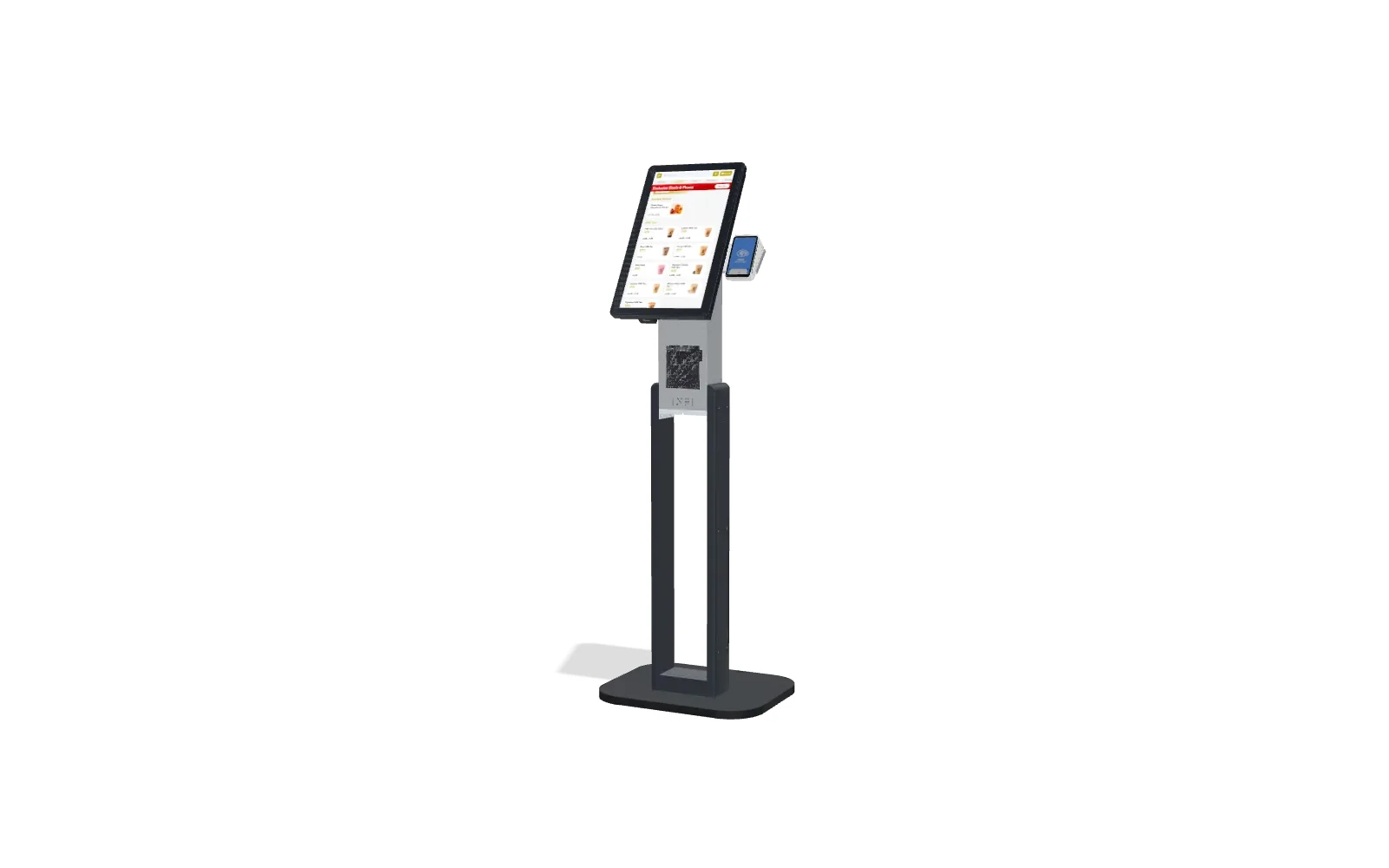
Great kiosk vendors make integration, cost and ownership simple to answer. If a vendor dodges those, that is your answer. When you are ready to compare, our self-ordering kiosk buyer's guide walks the whole decision — or book a demo and we will run INFI kiosks on your own menu so you can judge for yourself.
Hero photo by Dmitry Rodionov on Unsplash.
See what INFI can do for your restaurant
Add self-ordering, online ordering, loyalty, and marketing on top of the POS you already run.
Book a Demo