
The Best Restaurant Management Software for 2026 (Buyer’s Guide)
What’s the best restaurant management software? It’s not one tool — it’s a stack. The 5 layers, the 6 things that matter when you choose, and the growth layer most operators under-buy.

Search for the best restaurant management software and you’ll get a hundred “all-in-one” promises that don’t agree on what the software even does. That’s because “restaurant management software” isn’t one product — it’s a stack of layers, and the right question isn’t “which single tool?” but “which layers do I actually need, and do they talk to each other?”
This buyer’s guide breaks the stack into its real layers, gives you the criteria that matter when you choose, and names the layer most operators under-buy — the one where revenue actually comes from.
Restaurant management software is five layers: POS & payments, back of house, labor, accounting, and growth (how you win and keep guests). Most operators over-invest the back office and under-invest the growth layer — so they manage the restaurant well and still leave money on the table. Choose for integration, not for one logo that claims to do everything.
What “restaurant management software” actually covers
Before you compare vendors, know which layer each one really plays in. Almost no tool is strong at all five.
- POS & payments — the register that rings up every order (Square, Toast, Clover, Lightspeed, HungerRush). This is the system of record.
- Back of house — inventory, recipe and food-cost management, purchasing and vendor orders.
- Labor — scheduling, time & attendance, tip handling.
- Accounting & reporting — your books, sales and tax reporting, and the dashboards owners actually read.
- Growth (customer-facing) — commission-free online ordering, self-ordering kiosks, loyalty, digital menu boards, and marketing/reviews/SEO. This is the layer that grows the check and brings guests back.
The back-office layers protect your margin. The growth layer makes money. Both matter, but they’re bought very differently — and the growth layer is the one operators most often leave half-built.
How to choose: 6 things that actually matter
- 1. Integration over all-in-one. The best stack isn’t one vendor — it’s tools that talk to each other. Ask every vendor: does this sync with my POS, and with the other layers I already run?
- 2. Don’t rip out what works. You rarely need a new POS to upgrade a single layer. Replacing a working register to get, say, online ordering means re-training staff and migrating data for no reason. (See do you need a new POS to get a kiosk.)
- 3. Fit your format. A quick-service shop, a fast-casual chain, and a full-service restaurant need very different mixes. Buy for how you operate, not for the feature list.
- 4. Total cost, including fees. Look past the monthly price to the fees that scale — especially third-party online-ordering commissions, which can quietly cost more than all your software combined. (Our guide to restaurant POS systems cost breaks down the money side.)
- 5. Will your team actually use it? Software your staff avoids during a rush is money wasted. Weight ease-of-use heavily.
- 6. Growth, not just record-keeping. Most “management” tools only record what happened. Ask what each one does to grow sales, not just report them.
The layer most operators under-buy: growth
Here’s the pattern we see: operators carefully shop POS, inventory, and scheduling, then bolt on whatever online ordering and loyalty is easiest — usually a third-party app that takes a cut and keeps the customer data. The back office is tight; the growth layer is leaking. And the growth layer is where the top line actually moves.
That’s the layer INFI is built for. INFI is the growth platform that runs on top of the POS you already use (Square, Toast, Clover, Lightspeed or HungerRush) — not a replacement for your register, and not another back-office suite. It adds the customer-facing pieces as one connected system:
- Commission-free online ordering — your own ordering on your domain, so third-party fees stay off your margin.
- Self-ordering kiosks — which lift average order value 15–30% across our merchants, because the screen never forgets to upsell.
- Loyalty that works across kiosk, online and in-store, so guests have a reason to come back.
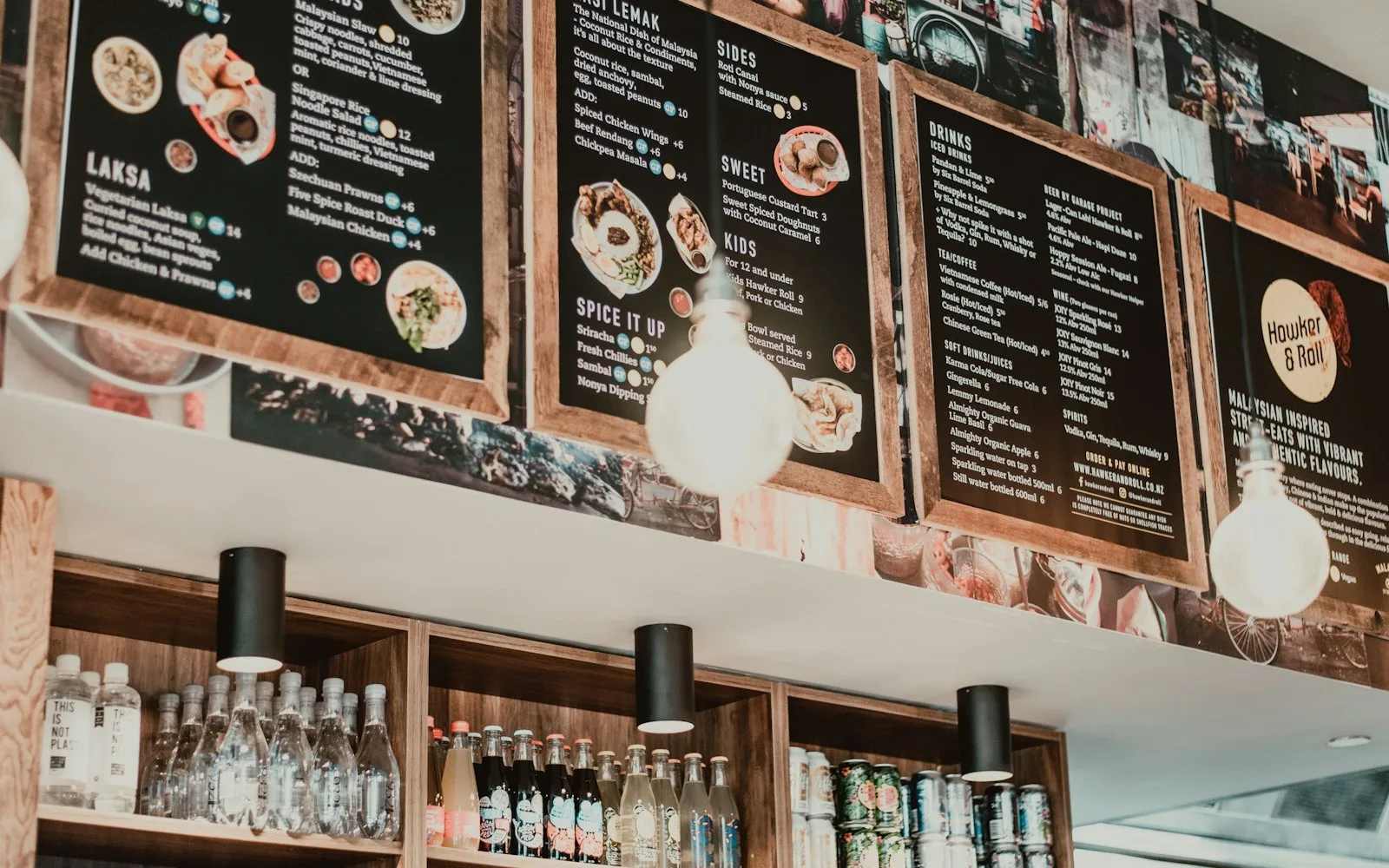
- Digital menu boards that auto-sync with your POS menu — always current, never re-typed.
- Marketing, reviews and local SEO so you show up when people search nearby.
Because it’s one platform, a menu change flows to every channel at once, and the same AI upsell that runs on the kiosk has moved attach rate from 7.18% to 8.62% across 78+ merchants. See how the pieces fit on the INFI platform.
All-in-one vs. best-of-breed: the honest trade-off
You’ll be pushed toward one big suite that claims to do everything. Sometimes that’s right — one login, one bill. More often, the all-in-one is strong in one layer and weak in the rest, and you end up with mediocre growth tools because they came in the box.
- One login, one bill
- Strong where the vendor started, weak elsewhere
- Rip-and-replace to adopt it
- Growth tools are an afterthought
- Keep the register your team knows
- Best-of-breed growth layer, built for revenue
- Runs on top — no migration
- Online ordering, kiosks, loyalty, boards as one system
A simple way to choose your stack
The “best” restaurant management software isn’t a single product — it’s the right layers, integrated, with a growth layer that actually grows the business. Want to see what the growth layer looks like on your current POS? Book a free INFI demo — or reach the team at 888-857-9831.
Hero photo by Centre for Ageing Better on Unsplash.
See what INFI can do for your restaurant
Add self-ordering, online ordering, loyalty, and marketing on top of the POS you already run.
Book a Demo