
How Much Do Restaurant POS Systems Cost in 2026? (+ How to Get ROI)
Restaurant POS costs for 2026, itemized: hardware, software, add-ons, processing fees and support — realistic prices for each component, plus how to make a POS pay for itself.
A POS system is the backbone of a modern restaurant — and prices vary wildly from vendor to vendor, which makes shopping for one confusing. Understanding how POS pricing actually works helps you pick a system that fits your budget, your staff and your customers, while making the business more profitable. Below, we look at what today's restaurant POS systems offer, what they cost component by component, and how to make one pay for itself. (For the shortlist of systems themselves, see our guide to the best restaurant POS systems.)
Restaurant POS systems are no longer just for taking orders
Today's POS connects your front of house to your back of house and does far more than process payments. Over the years these systems have added integrations that let them: track customer purchase behavior, customize the ordering experience, run analytics and reporting, manage loyalty programs, handle online ordering and delivery and other self-ordering, work offline, manage menus, run CRM, track inventory, manage labor and staff, handle tables and tableside ordering, and process gift and credit cards. With that many possible features, pricing gets complicated — so understanding how systems are priced is critical as you shop.
Restaurant POS system pricing
Pricing depends on what you need. If all you want is tableside order-taking and payments, you need far less than a system that also manages employees, inventory and marketing. Vendors either bundle everything into one upfront price or charge per component — and even with a bundle, the extras unique to your restaurant usually cost more. On top of all of it, you pay processing fees on every card sale through your merchant account.
Some of the factors that drive the price:
- Hardware: the physical gear — routers, terminals, kiosks, handhelds, card readers, kitchen display systems, printers, and guest-facing displays.
- Software: the technology that runs the hardware — order entry, payment processing, analytics, CRM and reporting.
- Additional features: integrations, inventory management, online ordering and delivery, payroll and team management, loyalty and gift-card programs each add cost.
Typically you pay an upfront cost for hardware plus a monthly software fee. On average, expect to pay roughly $1,250 to $2,000 for the system itself and around $1,000 a year for service — but it runs lower or far higher depending on components and station count. A complex system can run over $6,000 at startup. Because the spread is so wide, it's more useful to price the components you need than to chase a single number — and to confirm current figures with each vendor, since pricing changes often.
Some costs are fixed (hardware, initial software); others are monthly (transaction fees, the ongoing software subscription that keeps the system updated and supported).
Breaking down the cost of a restaurant POS
POS hardware
Hardware comes in two broad types. Cloud-based systems (also called SaaS or web-based) store data remotely so you can access it anywhere you have internet. Legacy systems keep data on a local server in the restaurant and can't be reached remotely — and usually cost more, because they can't share components or servers across locations.
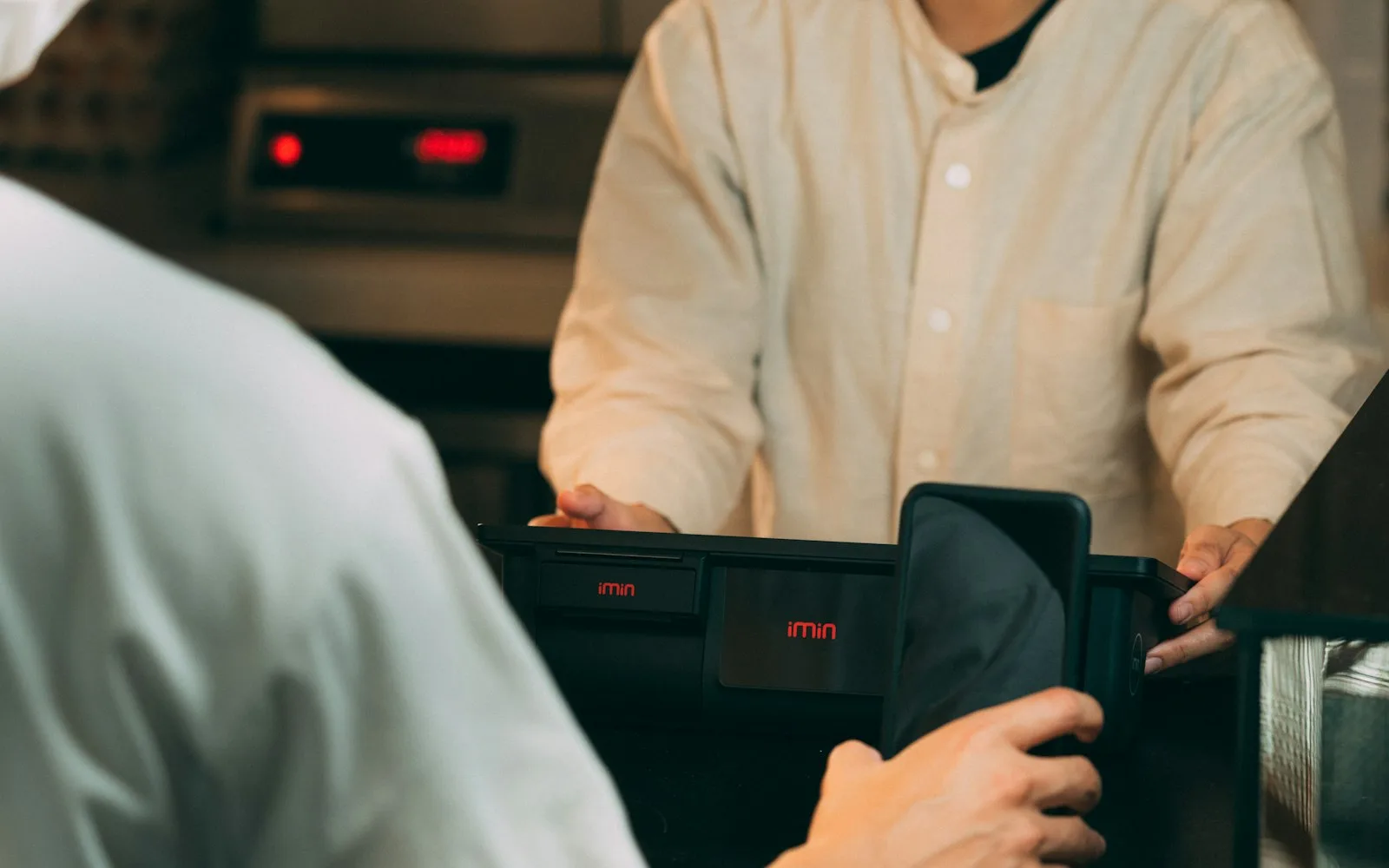
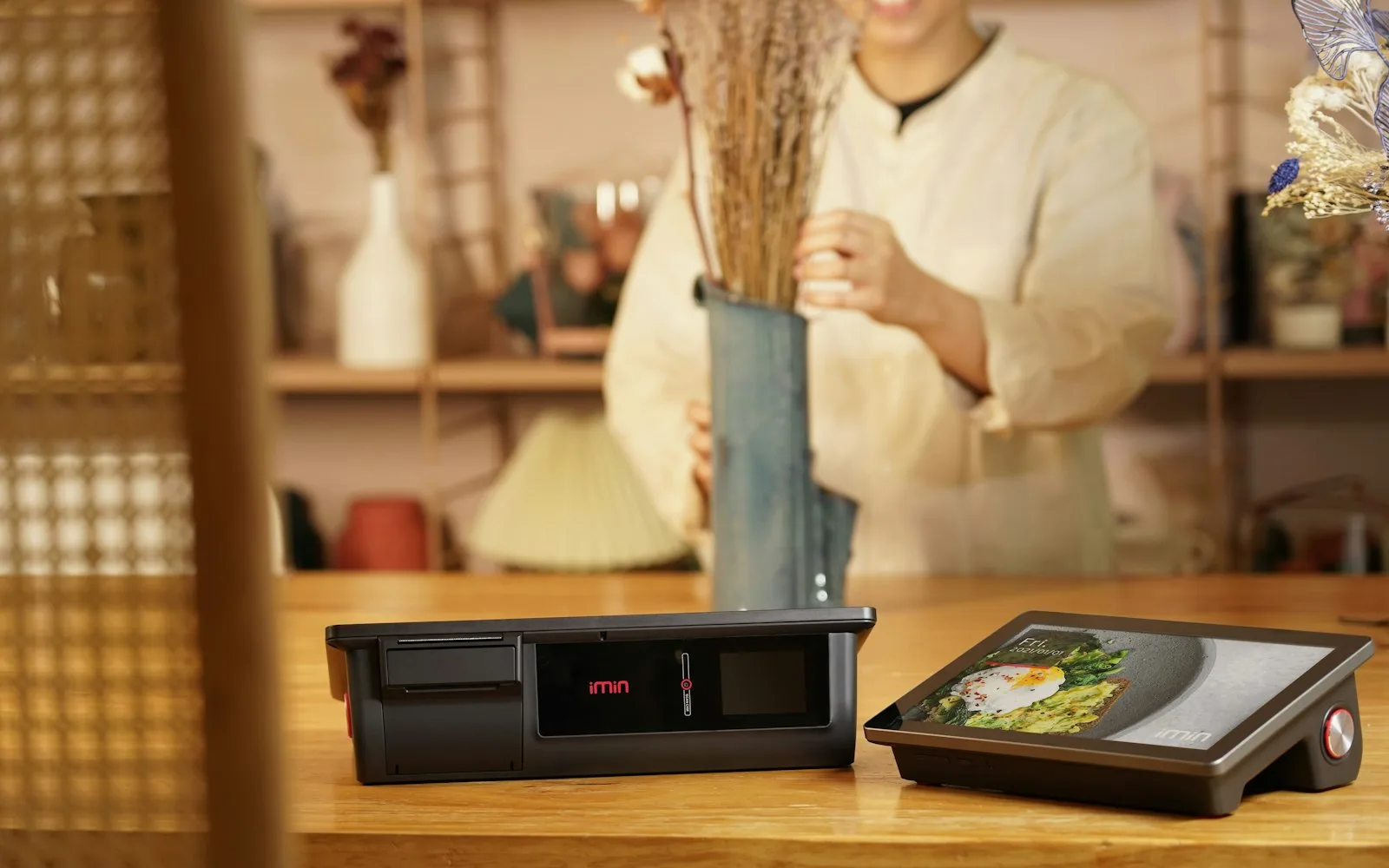
Either way you'll have front-of-house pieces — terminals, stands, card readers, cash drawers, receipt printers, guest-facing displays — and back-of-house pieces — ticket printers, routers (cloud) or servers (legacy), cabling. A newer system also adds a KDS, kiosks and handheld terminals. Price each piece against whether you need it and whether it's bundled or billed separately.
About what you'll pay for hardware:
- ~$800 for a terminal and card-reader combination
- ~$1,400 for a combination that adds a receipt printer, cabling and cash drawer
- ~$400 for each additional receipt or kitchen printer
- ~$400 for a router
- ~$600 for a handheld POS
- ~$1,000–$1,500 to add a KDS to your POS
POS software
Software makes or breaks the system, and it has to be fully compatible with your Android or iOS hardware. You'll pay monthly or yearly; today's systems use SaaS subscriptions, which removes the big upfront license cost of legacy systems but means pricing varies a lot by vendor and can add to the upfront number a vendor advertises. Make sure the price includes phone and email support and regular updates — a legacy system won't give you those automatically. Simple software runs about $60 to $75 a month per device; large, complex systems can reach $400 a month in licensing. More stations, more cost. And budget card-processing fees of roughly 2.2% to 4.5% per transaction on top.
Add-ons and additional features
POS systems are highly scalable — which is ideal for restaurants, but many add-ons increase the cost. Things you might add: online ordering, offline mode, gift-card hosting, loyalty/rewards hosting, credit-card pre-authorization, inventory tracking, CRM, and integrations with your app or a delivery service. Rough averages:
- ~$25/month for loyalty or rewards hosting
- ~$25/month for software integrations
- ~$50/month for online ordering, inventory tracking, or gift-card management
Not sure which you need? Our POS checklist walks the options.
Service and support
Some systems charge for support and tech assistance over the years you use them — this often disappears with cloud systems that update automatically, so factor it in when comparing. Others include support and warranty for a limited window, then charge to extend; read the contract's fine print, because these costs vary a lot when they're not bundled.
Installation and training
Choosing the system is step one. You'll likely want professional installation so every terminal and reader is properly and securely connected — sometimes included in upfront costs, sometimes not, so double-check. Team training is the other piece: low-cost systems may only offer it as an add-on, and the right training is what makes the rollout actually work.
ROI: how to justify the purchase
A POS can be a big line item once you add features, training and management tools, so think about how it earns revenue back. ROI is hard to see directly, so quantify the benefits — reduced labor, better marketing, tighter inventory, faster service. The best systems actually save restaurants money:
- Inventory tracking: real-time stock means you always have what you need, with less theft and waste.
- Better customer experience: faster, easier ordering (and contactless payment) brings guests back — and in a table-service spot, streamlines getting the order from table to kitchen.
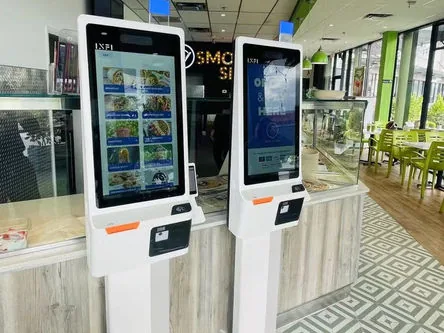
- Reduced labor costs: a self-ordering kiosk can cover counter orders, and payroll integrations remove double entry on timesheets.
- Streamlined operations: one system for time clock, marketing, CRM and ordering means fewer returns and more upsell — in our data, kiosk orders run 15–30% higher than the counter.
- Better online ordering and delivery: smoother off-premise serves more guests a day, which lifts revenue.
Add a growth layer on top of your POS
One thing worth being clear about: INFI isn't a POS, and you don't need to replace yours to benefit. INFI is the layer that sits on top — self-ordering kiosks, commission-free online ordering, loyalty and AI marketing that work with the system you already run and read from one menu. Price the POS that fits your budget using the breakdown above; add INFI to turn it into a revenue engine. Schedule a free demo to see it on your menu, or start with the benefits of self-ordering kiosks.
See what INFI can do for your restaurant
Add self-ordering, online ordering, loyalty, and marketing on top of the POS you already run.
Book a Demo